> For the complete documentation index, see [llms.txt](https://docs.geodin.com/llms.txt). Markdown versions of documentation pages are available by appending `.md` to page URLs; this page is available as [Markdown](https://docs.geodin.com/geodin-ground/getting-started/readme.md).
# Introduction
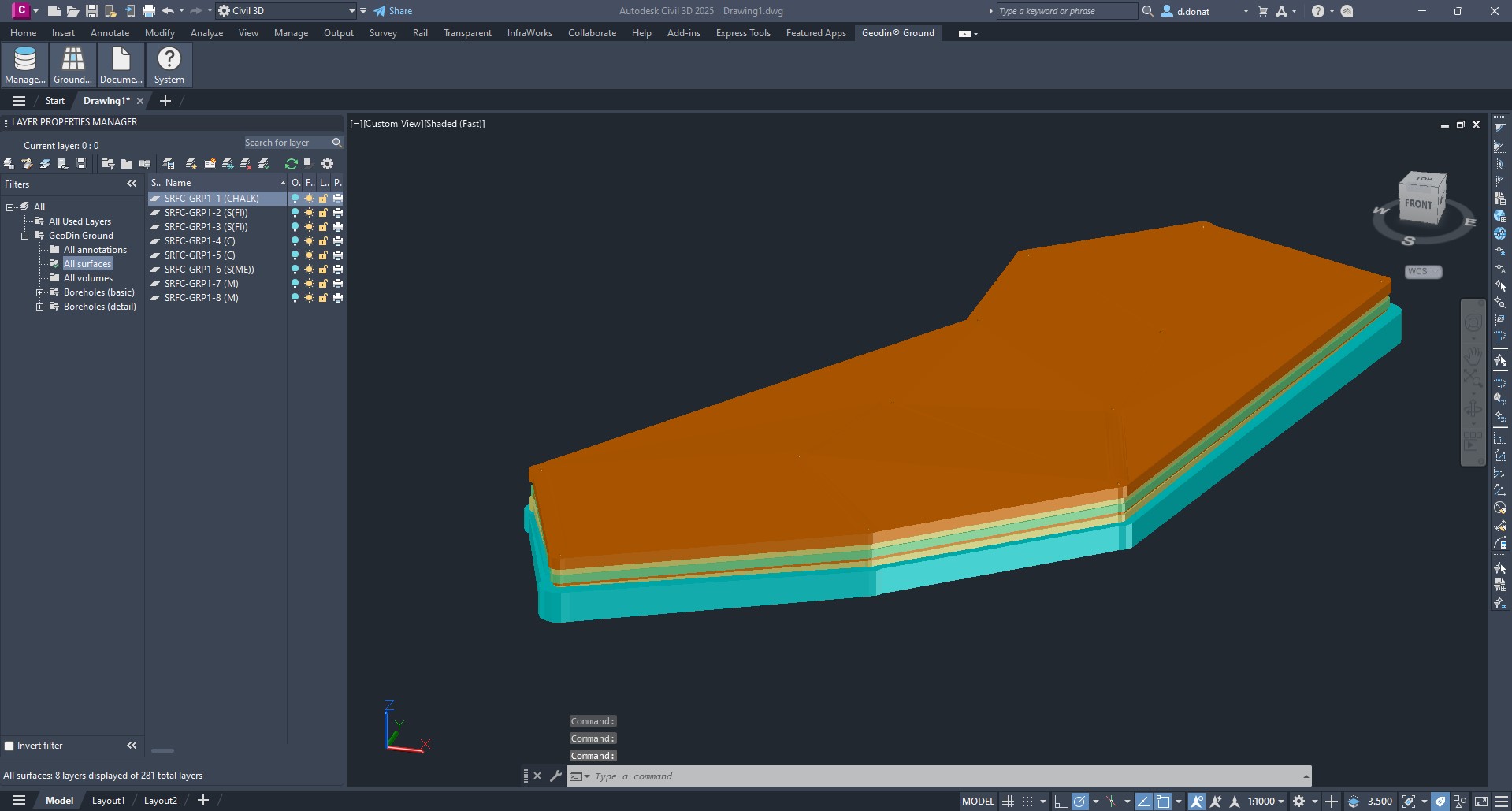
GeoDin® Ground is a plugin developed by GeoDin® and Autodesk for civil and design engineers to see below the ground in Civil 3D. With the integration and visualization of ground data in Civil 3D, the information gap between ground and design is closed. [Download the plugin here from Autodesk Marketplace](https://marketplace.autodesk.com/apps/e980e6d6-57f3-4de3-b311-0da8181b0ff6)
## Description
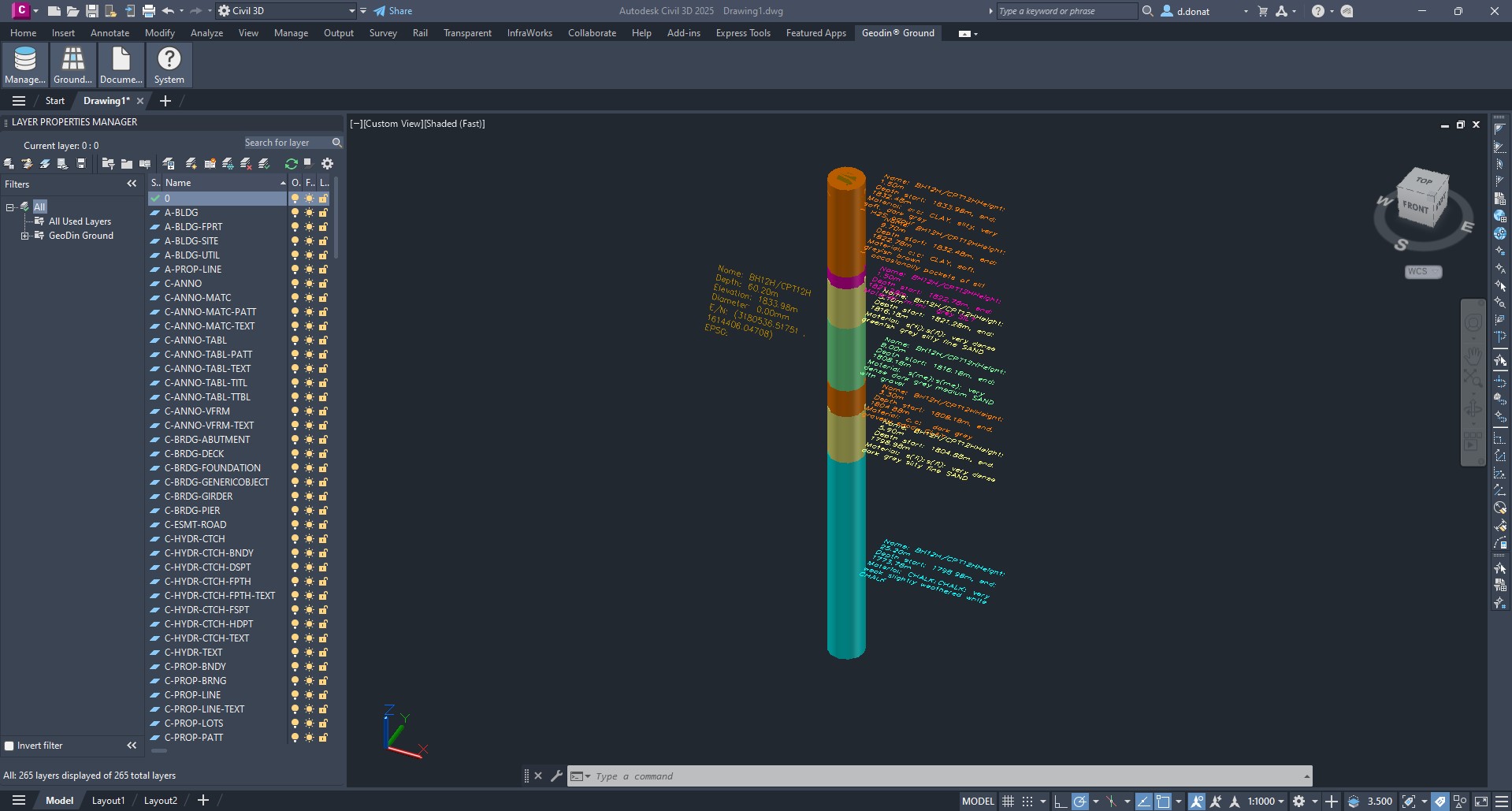
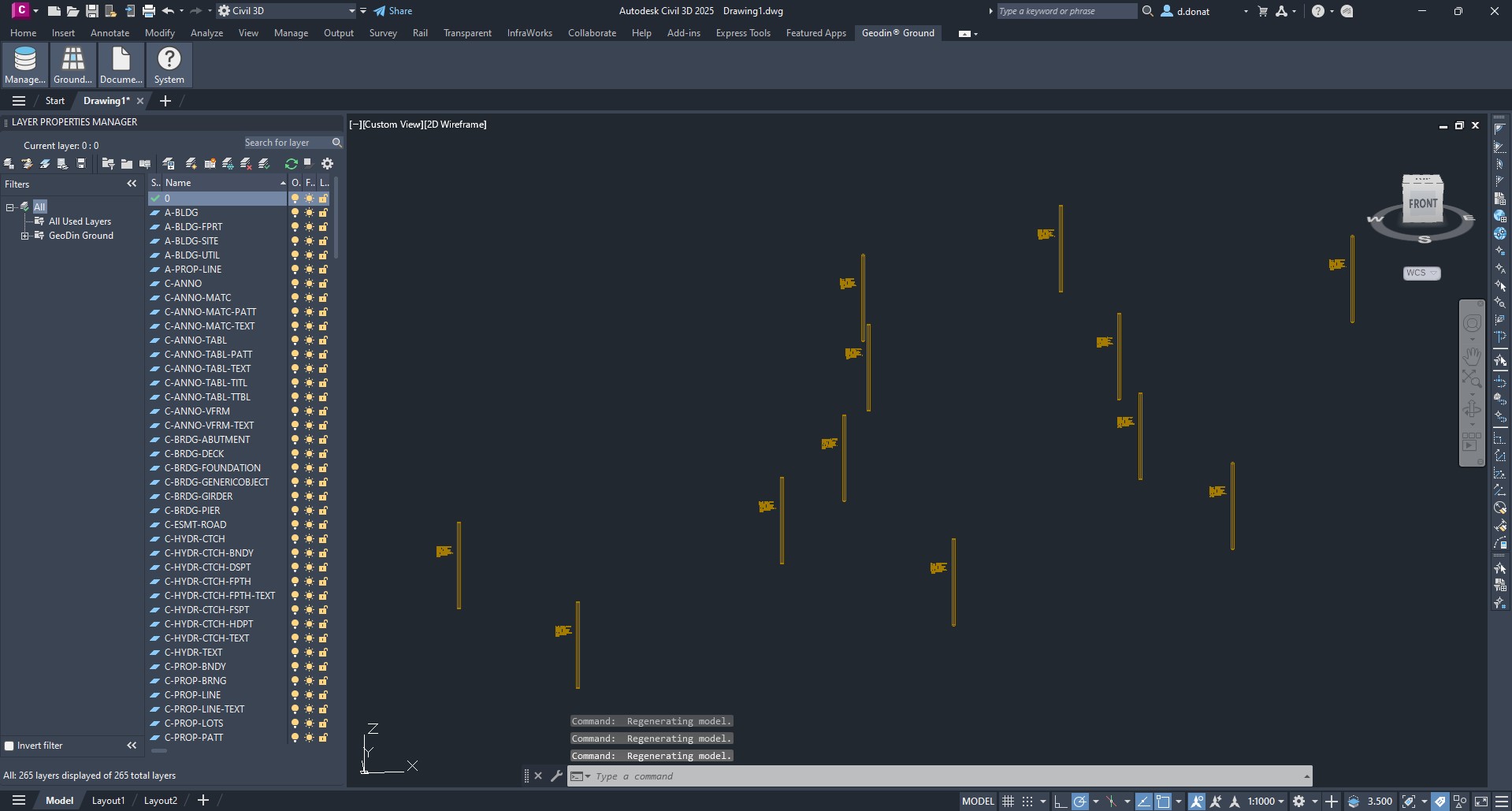
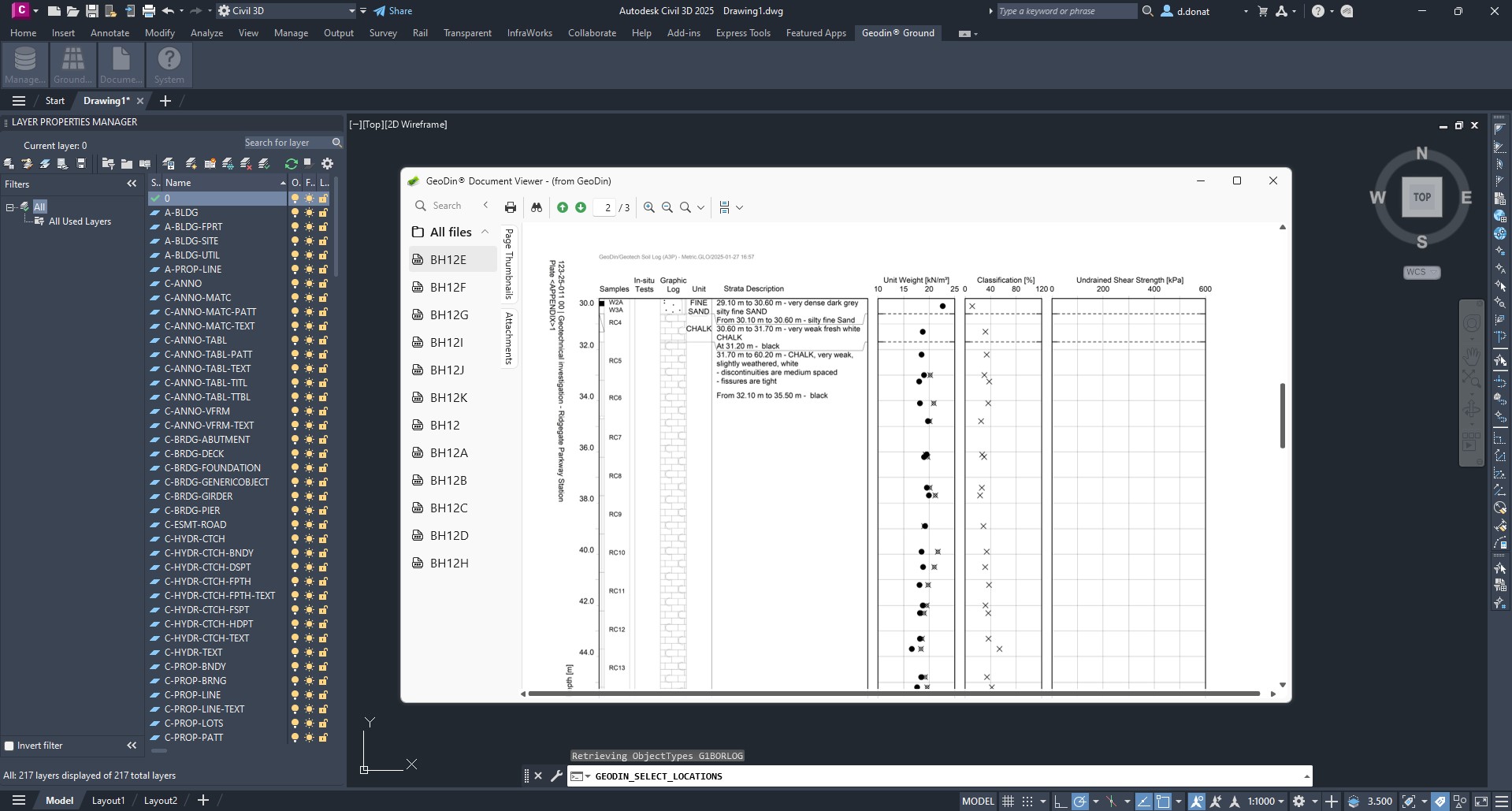
GeoDin® Ground is a comprehensive solution offered to tackle the challenges faced by design teams and geotechnical engineers.Traditional methods of incorporating ground data into designs relied a lot on using separate sources of data and file types. GeoDin® offers you the possibility of having a single source of truth for your geodata. With GeoDin® Ground, you are able to directly access this data in Civil 3D. This allows you to create designs that are safe, efficient, effective and maximize sustainability, as the risk for overengineering is limited.
Types of ground data visualized with GeoDin Ground:
* Borehole information
* Standard-compliant lithological layer descriptions
* Sample data
* Data obtained from methods such as CPT investigations
* 50+ classification and advanced geotechnical tests
## Where GeoDin® Ground fits
GeoDin® Ground is one piece of the GeoDin® ecosystem:
| Product | Role |
| ------------------ | -------------------------------------------------------------------------------------------------------------- |
| **GeoDin®** | Desktop application and database - the source of truth for geotechnical data. |
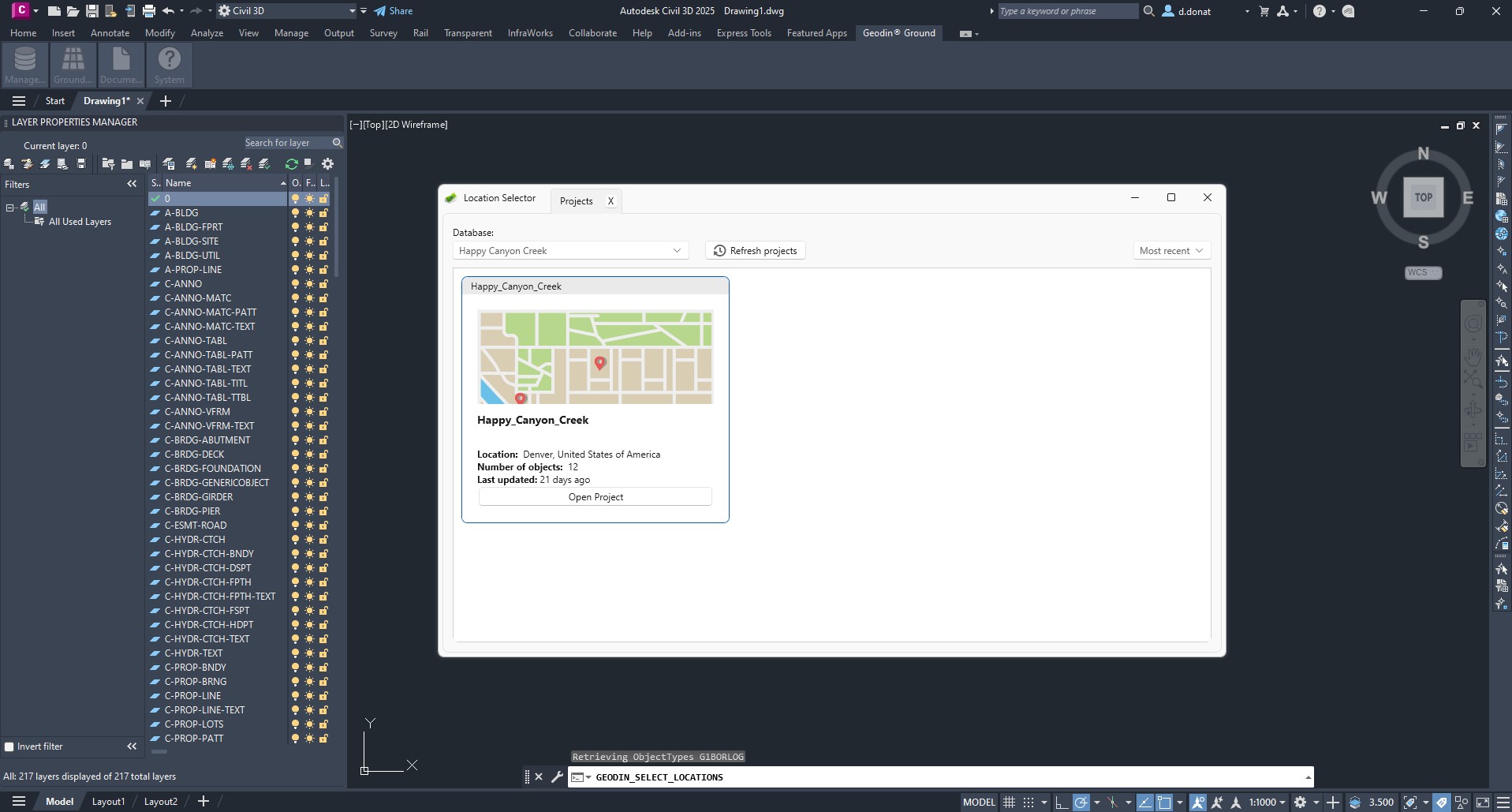
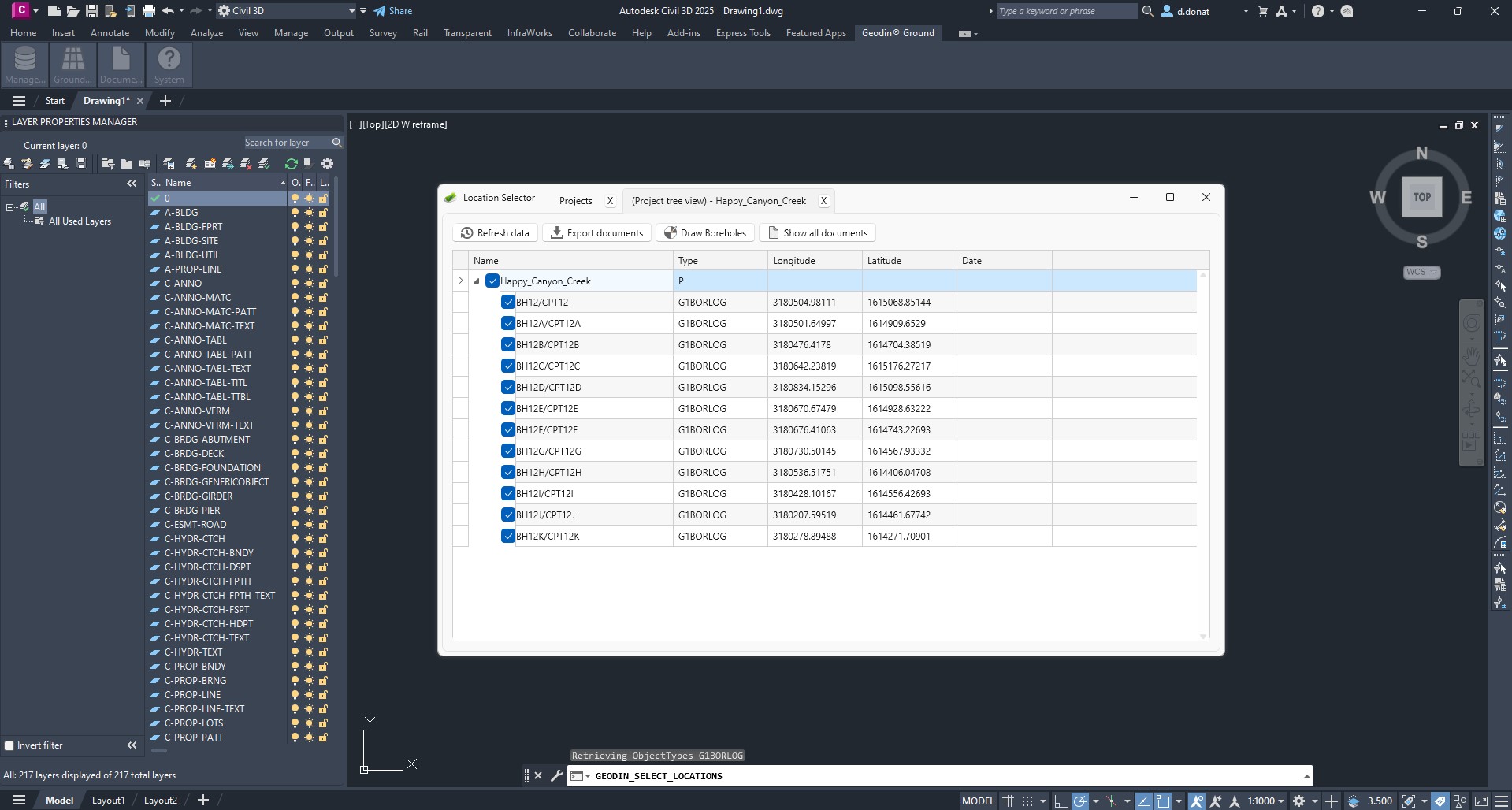
| **GeoDin® Ground** | Civil 3D plug-in - pulls borehole data from a GeoDin® database into the design environment (this site). |
| **GeoDin® Onsite** | Windows-tablet field-capture tool - drillers fill in forms in the field; data uploads into a GeoDin® database. |
For a detailed view of which workflows live in GeoDin® versus GeoDin® Ground, see [GeoDin® and GeoDin® Ground: where each fits](/geodin-ground/reference/geodin-vs-ground-boundary.md).
## Screenshots and videos
---
# Agent Instructions
This documentation is published with GitBook. GitBook is the documentation platform designed so that both humans and AI agents can read, navigate, and reason over technical content effectively. Learn more at gitbook.com.
## Querying This Documentation
If you need additional information that is not directly available in this page, you can query the documentation by asking a question.
Perform an HTTP GET request on the following URL with the `ask` and `goal` query parameters:
```
GET https://docs.geodin.com/geodin-ground/getting-started/readme.md?ask=&goal=
```
`ask` is the immediate question: it should be specific, self-contained, and written in natural language.
`goal` is what the user is ultimately trying to achieve, the reason they need the answer. Sharing it helps GitBook give you a better, more relevant answer. A goal is most helpful when it describes the outcome the user wants rather than restating the question. For example, with `ask=how do I create an API token`, a goal like `automate deployments from our CI pipeline` lets GitBook tailor the answer to that use case.
The response will contain a direct answer to the question and relevant excerpts and sources from the documentation.
Use this mechanism when the answer is not explicitly present in the current page, you need clarification or additional context, or you want to retrieve related documentation sections.